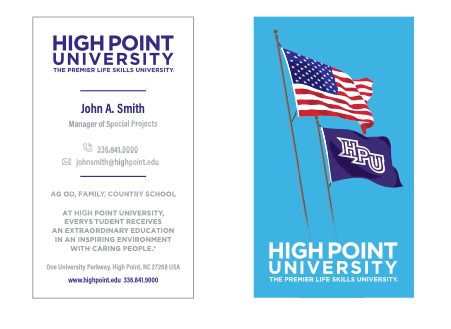
High Point University business cards are ordered through the Blackboard portal. HPU has partnered with a local printer to produce all HPU business cards. This ensures the color, paper and stock are consistent.
The front of all business cards will display the following:
- Name
- Office
- Phone
- Email address
- Title
- Address
- Optional mobile
The back of all business cards will display the following branding statement and web address:
- At High Point University, every student receives an extraordinary education in an inspiring environment with caring people.®
- highpoint.edu
Students employed by the university or student organizations may order business cards upon request of the Office of Communications.
To Place An Order:
Business card orders are placed online.
Visit Blackboard > Organizations > Business Card Ordering > Sir Speedy > HPU Business Cards
Customized letterhead and envelopes with the college, school or department may be ordered through a template on Unimarket.
To Place An Order:
- Sign into Unimarket
- Select Marketplace
- View Suppliers
- Type “CE Print Solutions” in the search bar and select
- Select “CE Print Punchout” to visit CE Print website to place the order

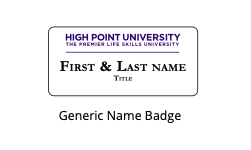
It is preferred that university staff use a provided name badge and name plate. To place an order for a customized name badge or name plate, email your first and last name along with your title to: orders@capitolmedals.com.
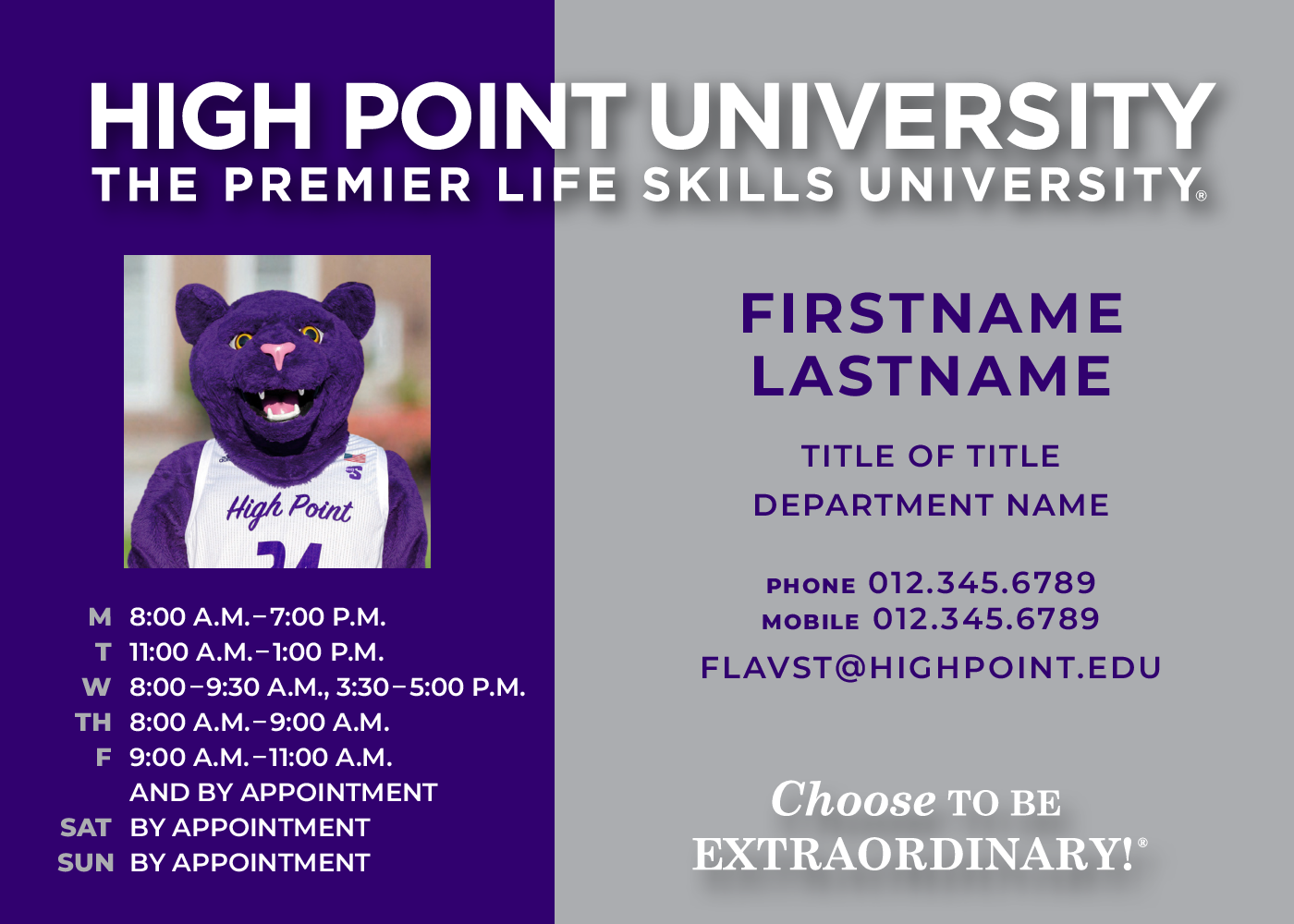
To generate a custom office placard:
- If you need a headshot taken for your placard, you can request a headshot photo with the University Photographer.
- Order a placard through Printing Services. This insert will print in the Smith Library.
- Your placard can be picked up on the first floor of the Smith Library. Please allow 48 hours for your placard/placards to be completed, after 48 hours they will be located in front of the print shop in a blue bin where your placard will be placed alphabetically ordered by last name. If you do not have your placard after 48 hours, reach out to printshop@highpoint.edu regarding the issue.
- A work order with HPU Campus Enhancement can be placed for the placard hardware to be installed.
Email Signatures
As the broadest form of daily correspondence, a consistent email signature must be used across the university. The only permissible elements in your email signature are your name, title, and academic credentials. No personalized quotes, slogans, or backgrounds may be included. Further, additional logos or websites may not be added unless approved by the Office of Communications.
Any additional logos or verbiage that may be approved should highlight designations or recognitions that showcase the university’s commitment to providing an extraordinary education in an inspiring environment with caring individuals.
Instructions on adding an email signature:
Detailed instructions for updating your email signature for the 2024 Centennial Year below:
Copy the new signature template provided below:


- Open Outlook
- Draft a New Email
- Open the Signature Tab and Select “Edit Signatures”
- Copy and paste the GIF found below in place of the Robert’s Hall GIF– new GIF will not show at this step.
- Ensure that all personal information is accurate and up to date.
- Save the changes and close out the email!
- When you begin a new email, your new signature will show.
- You’re now proudly representing High Point University’s centennial celebration in every email you send.
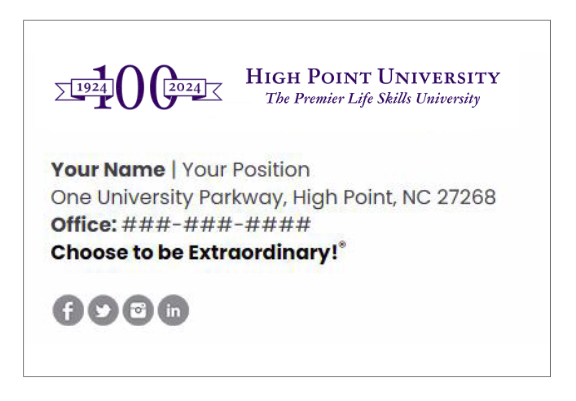
Once complete, this is how the final signature should appear:
If you encounter any difficulties or have questions about the process, please feel free to reach out to Elaina Huffman, Assistant Vice President of Branding and Special Projects.
336-841-9351 | ehuffma1@highpoint.edu.
Instructions for Email Signatures (after 2024):
- Copy the following template including the logo and social media icons
- In Outlook, click for “new email”
- Click “Signature”, then select “Signatures” then paste in the body, edit the details as appropriate and click “ok”
(For Mac click “Outlook” -> “Preferences” -> “Signatures”)

Your Name | Your Position
One University Parkway, High Point, NC 27268
Office: ###-###-####
Choose to be Extraordinary!®


Presentations
Internal and external presentation templates must always be used to communicate a consistent message to audiences. Additionally, following the tips below will enhance the visual impact and advance the High Point University brand.
Presentation Tips:
- We recommend Century Gothic as the font selection.
- Choose a font size that your audience can read from a distance:
-
- A one-inch letter is readable from 10 feet
- A two-inch letter is readable from 20 feet
- A three-inch letter is readable from 30 feet
-
- Avoid using centered text unless making a simple statement. Text aligned left or right is easier to read and follow.
- Avoid clutter or too much information. Presentations should serve as a guideline to share information, not something that is read word-for-word.
Canva Templates
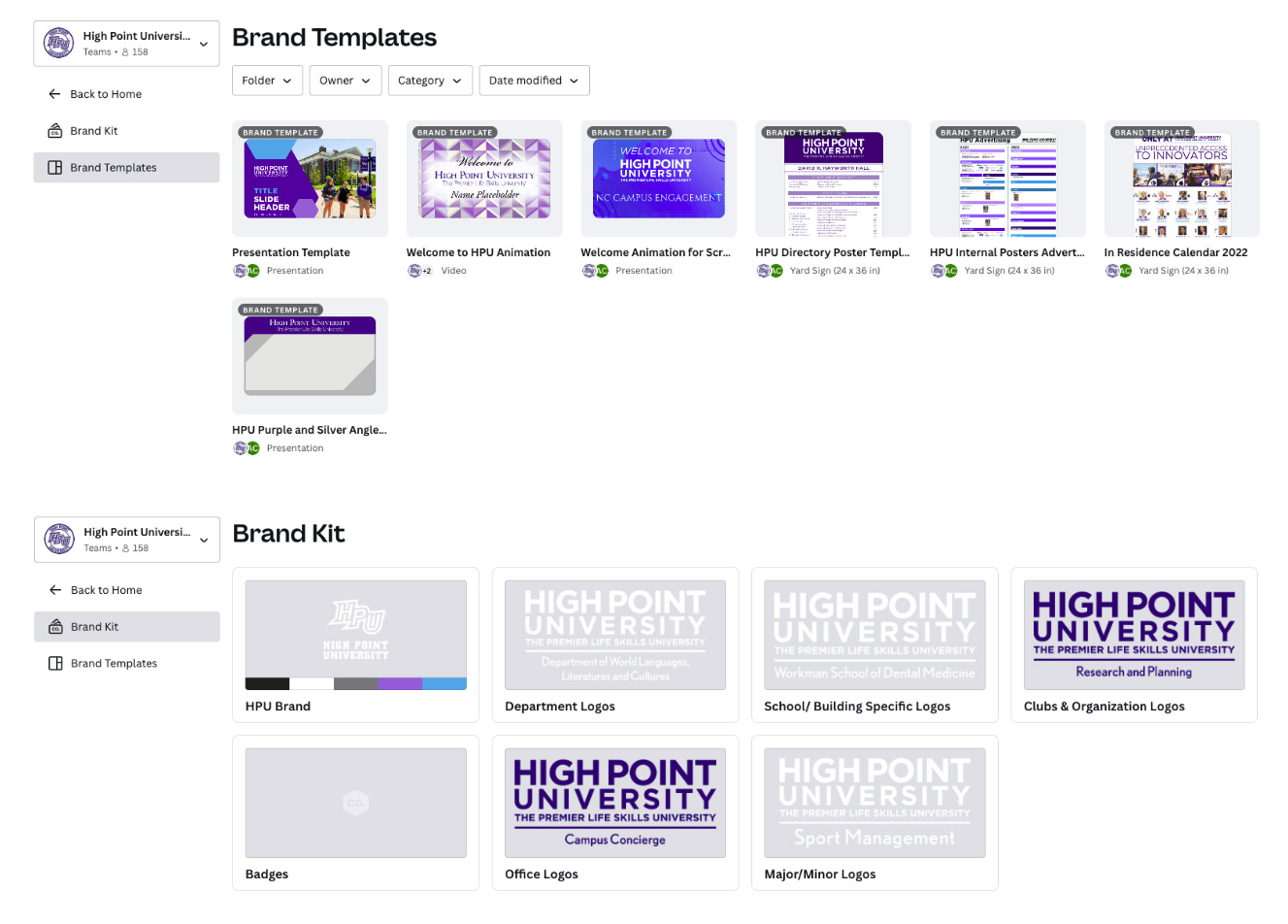
Canva is a web-based design tool for those with little to no graphic design experience. It allows faculty, staff and students to create their own flyers, social media graphics, posters and more. The Canva for Teams platform at High Point University provides access to easy-to-use branded templates (see below) across all channels that are pre-approved and customizable. When a user joins the High Point University Canva team, they will be provided with all of the approved logos, patterns, colors, fonts, and templates to create materials.
Many faculty and staff have their own personal, free Canva accounts. We ask that they do not use them for materials regarding the university because they need to be branded properly to ensure brand consistency.
We have limited number of licenses, so Canva accounts should be set up with a universal/group or department email (example: communication@highpoint.edu) and a password that will be managed by your Admin and distributed to all staff and faculty in that department. To request access to the university Canva account please email communication@highpoint.edu.
Brand Templates Example
Campus Display Guidelines
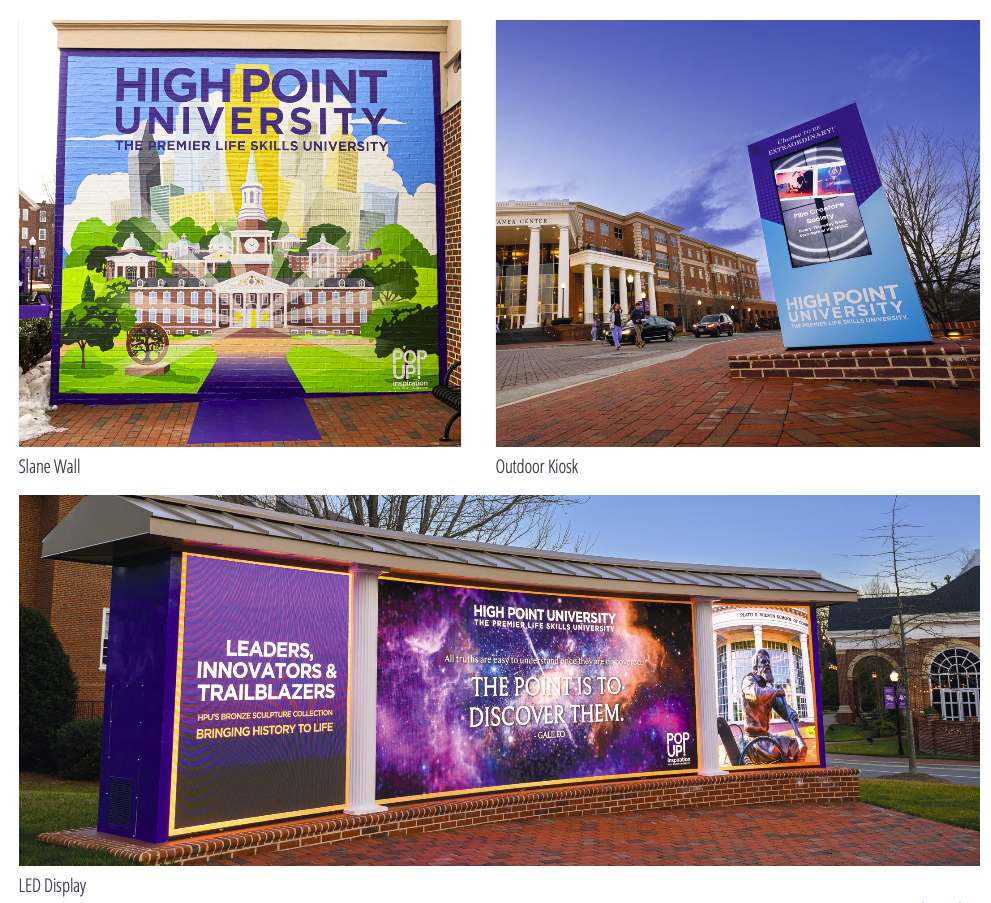
High Point University’s Brand Guidelines emphasize the exclusive use of iconic campus elements, such as the Slane Wall and the LED display outside Norton Hall, by the Office of Communications. These distinctive features serve as powerful visual representations of the university’s identity and are integral in conveying our unique message and brand. The Office of Communications is entrusted with the responsibility of ensuring these assets are utilized effectively, consistently reflecting the university’s mission. This exclusivity helps maintain a cohesive and compelling brand image, enhancing High Point University’s reputation and recognition in the global educational landscape.
Backdrop Display Guidelines
To maintain brand uniformity throughout the campus, High Point University mandates a formal request process for utilizing event backdrops. Our branding team meticulously evaluates each request, granting approval based on the nature of the event. To submit a backdrop request, please visit testwww.highpoint.edu/ooc.
Student Clubs, Organizations, and Academic Partners are encouraged to display events on the outdoor kiosks located near Hayworth Park and Congdon Hall by filling out this form: https://testwww.highpoint.edu/ concierge/dailyupdateguidelines/
Photography
Photography is one of the best tools for visually telling a story while creating a powerful connection between individuals and the university. The Office of Communications documents life at High Point University and provides images for marketing materials used by various university departments.
When selecting photos, please choose images carefully based on the following guidelines:
- Photos should directly represent aspects of High Point University, such as its students, professors, campus, facilities, apparel, etc.
- To convey a sense of belonging, individuals in photographs should be engaged in an activity or interacting with others in the following environments: classroom/studying, student events/ socializing, and athletic events/cheering on the HPU Panthers.
- Use a variety of shots that display student interaction as well as campus facilities in use by students.
- Images may also represent seasons of the year to establish the diversity of campus life.
- Do not use imagery of students wearing apparel from other universities; it is preferred that they are wearing High Point University gear.
To make a photo request visit testwww.highpoint.edu/ooc
Web Pages
High Point University’s website is perhaps one of prospective students’ first encounter with the university. All information presented online via one of the university’s websites should be consistently branded, accurate, and well-maintained to ensure effective communication to students, alumni, faculty, staff, the media, and the public.
To make a web request visit testwww.highpoint.edu/ooc
Social Media
All content presented through university-affiliated social media outlets must be consistent in supporting the university brand and mission. Inappropriate or objectionable content, including photos and links, will be removed.
For more information on university social media, visit: https://testwww.highpoint.edu/ooc/social-media.